

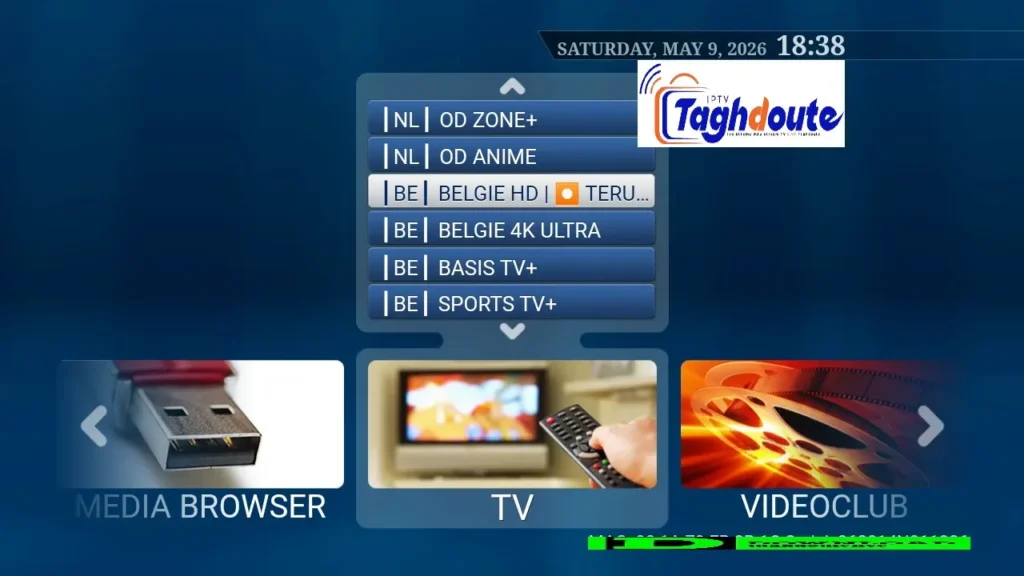
People join free trial IPTV service and aren’t even aware of what they are seeing. In all setup guides, you will find three names that repeat: STBemu, Stalker Portal and Xtream. They sound technical. They are. But it’s a matter of five minutes to understand the difference — and hours of frustration can be saved.
This is where they’re broken down without any hidden agendas, what exactly a free trial IPTV subscription implies and how you can assess any provider before spending any money.
What does the Free Trial IPTV Service Entail?
A free trial IPTV subscription is a sample of subscription service, which is offered so as you can see how well the provider performs the streaming of the channels and how well the server responds to various requests for a limited amount of time (usually 24 to 48 hours) before you take the plunge of committing to a paid subscription.
What is not mentioned in most trials:
- The trial server is usually a lower capacity server separated from the main server.
- The number of channels in the trial can be reduced from the paid version.
- Sometimes the buffer time of a free trial is not representative of the paid trial — it can be worse (or better).
A good free trial IPTV provider will offer you the same server access, the same list of content and the same resolution of stream as a paid subscriber. This is what everyone should have as their standard for any provider.
STBemu is the application that emulates a real set-top box.
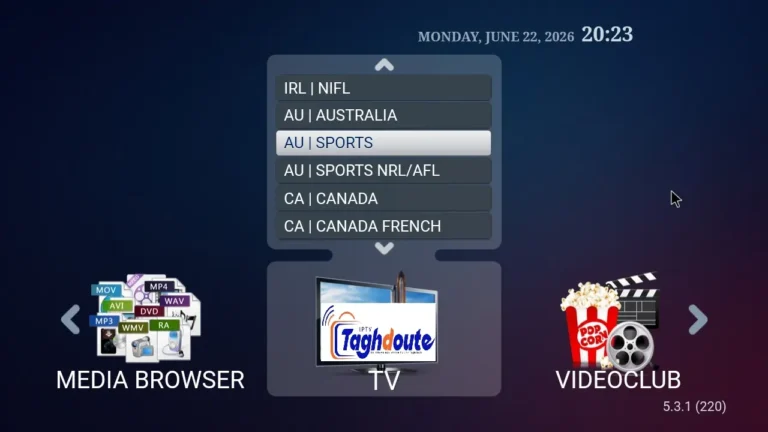
STBemu (Set-Top Box Emulator) is an Android program to duplicate the functionality of a real Mag/Enigma2 STB. You do not have to purchase any hardware, instead, you execute the emulator from your phone, tablet, Android TV and Firestick.
You’ll be provided with a portal URL, or web address, after you sign up for a free trial IPTV service with STBemu. STBemu requests a channel list, EPG (electronic program guide), and VOD content from that URL and along with that URL, a unique device MAC address is sent to the server, which responds with the channel list, EPG and VOD content.
The important part of the story: STBemu authenticates based on a MAC address, NOT on user name and password. Subscription is given on the basis of MAC addresses by the provider. When using STBemu during a free trial IPTV time, the provider may require you to add the MAC address of the device that is in use, before the trial begins.
STBemu is ideal for people who like the old television menu system, one which looks like the type you might find on a cable box.
Stalker Portal: The Protocol Behind STBemu
Stalker Portal is not an App. It’s a server-side middleware protocol, a protocol used by IPTV providers to structure and pass the content to STBemu and compatible clients.
The meaning of the words “connect via Stalker Portal”: Type a portal URL into STBemu (or an equivalent application) to connect via the Stalker Middleware protocol. It’s for user authentication, session control, channel ordering and VOD libraries.
For an IPTV free trial on Stalker Portal infrastructure you are likely to receive:
- A portal URL (e.g. http://provider-domain.com:port/c/)
- A whitelisted MAC address (or details on how to use your device’s MAC address)
The Stalker Portal system has been around since IPTV’s early days and is still widely-used due to its stability, maturity and ability to provide rich metadata such as channel logos and multi-language EPG.
Use codes instead of a username and password with Xtream Codes.
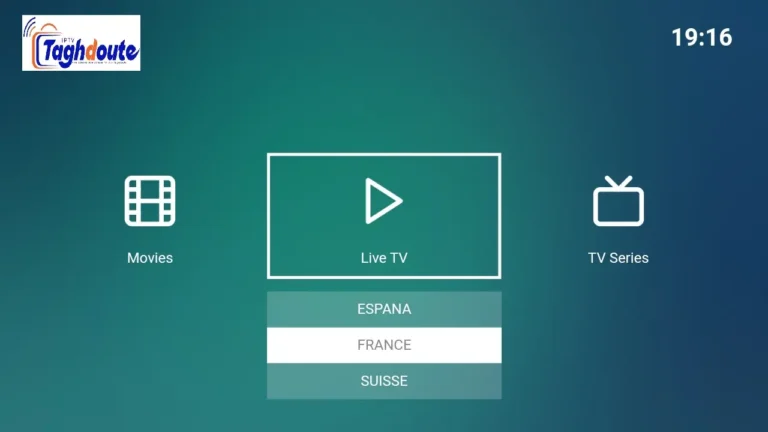
Unlike traditional IPTV panels, Xtream, usually referred to as Xtream Codes or Xtream UI, is another kind of IPTV panel. Xtream is based on a combination of username, password, and server URL, as opposed to MAC address authentication used by Stalker Portal.
The typical xtream free trial IPTV setup provides you with three things:
- Server URL:
http://provider-domain.com:port - Username:
your_trial_username - Password:
your_trial_password
These credentials are applicable to various applications such as IPTV Smarters, TiviMate, GSE Smart IPTV, OTT Navigator and many others. Since there is no need to deal with MAC addresses it is easier to configure Xtream than STBemu with Stalker Portal.
Xtream panels also have an M3U playlist export feature, which will allow you to create a direct playlist link — useful if you are not interested in using the Xtream API directly, but rather use an app that supports M3U files.
How to Compare Free Trial IPTV Providers Using These Three Systems
If you try any of the free trial IPTV services, go through this brief list:
On STBemu / Stalker Portal:
- Will the portal URL show within 3 seconds?
- Do channel logos and EPG data auto fill?
- Does the streaming play without buffering above 3-5 seconds?
On Xtream:
- Fail the first time and you’ll never do it again.
- Does the trial channel have the same number of channels as the paid channel(s)?
- Are thumbnails and description loaded into the VOD library?
If these do not work during the free trial then it is safe to assume that they will continue after signing up. A good provider will get through all of them before you invest in it.
This page offers the Honest Bottom Line.
Free trial IPTV is possible because the quality of games played, the time of the streams, and the variety of games are all highly diverse. STBemu provides you with a box style interface using Stalker Portal protocol. Xtream provides flexible credential-based access that is compatible with the majority of the modern IPTV applications.
There isn’t a superior or inferior system. It’s the provider behind it that’s important. Test the service during the trial by pushing the server to its limits — during peak hours, prime time and streaming HD/4K at the same time if possible — then make an informed judgement about whether it warrants a paid subscription or not.
_________________________________________
Hello, We are pleased to offer you a one-year subscription for only €20.
If you’d like to experience our service before committing, you can request a free trial by contacting us directly on WhatsApp: [https://wa.me/212695572901]
We look forward to welcoming you!
Download the IPTV portal STBEMU 10_05_2026 file here
Download the IPTV Xtream 10_05_2026 file here
About The Author

1 thought on “Free Trial IPTV: What STBemu, Stalker Portal, and Xtream Actually Give You (List IPTV 10_05_2026)”