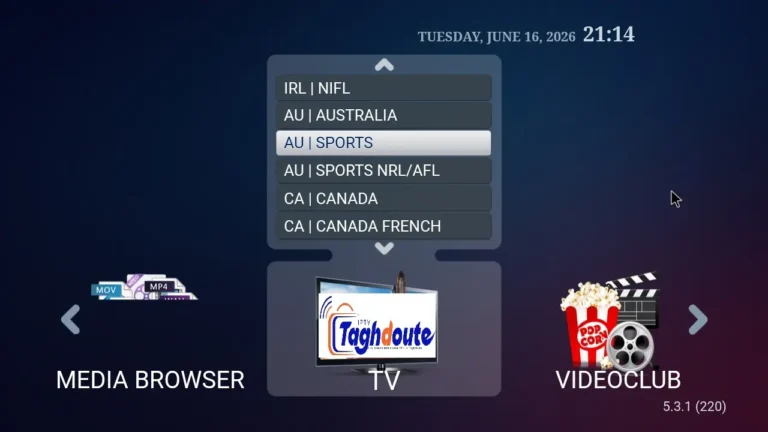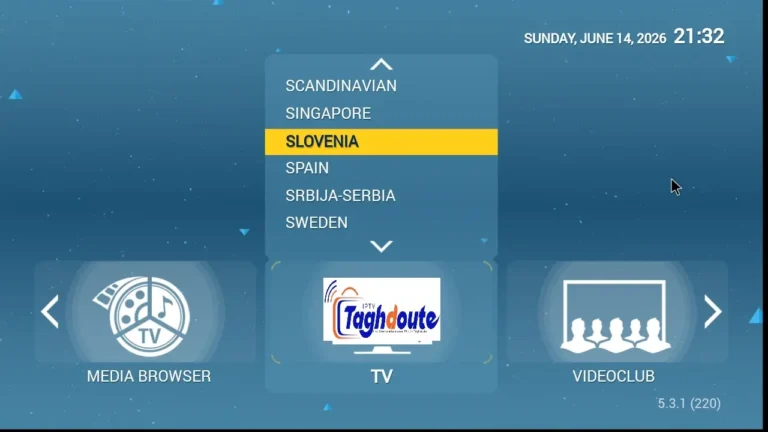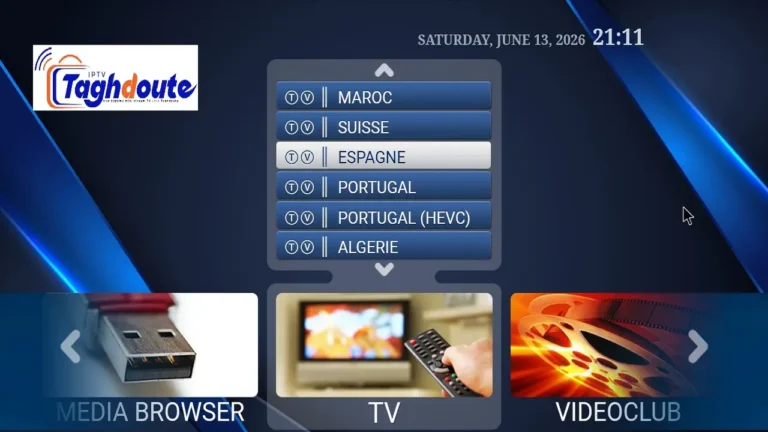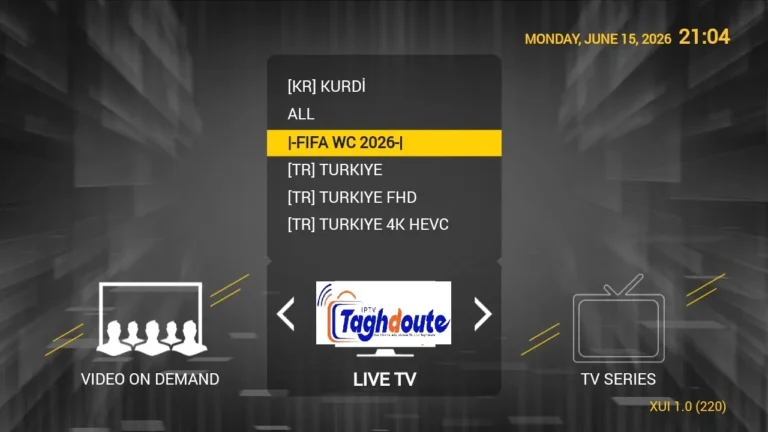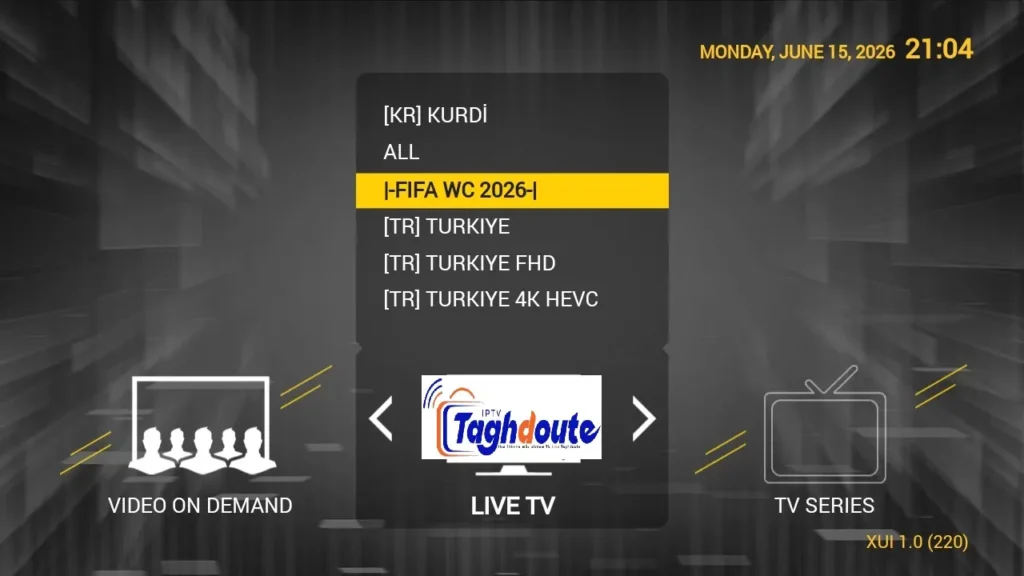
If you’re just starting out with IPTV or you’ve been using it for a while already, you may hear about STBemu, Stalker Portal, and Xtream Codes frequently. This guide explains what each is, their distinctions, how to get it up and running, and how to choose between the two options. At the end you will be able to see the whole system with no holes.
If you are pressed for time, use this quick answer to help you out.
- STBemu is an Android application that does emulation of a true set-top-box and communicates with the provider via the Stalker Portal protocol.
- Stalker Portal is a middleware that provides IPTV content via a portal URL, MAC address and sometimes via a device serial.
- Xtream Codes is an independent stream protocol based on API, with a server URL, user name and password.
- Both protocols can be used inside the STBemu and many IPTV providers support one or both depending on their backend.
- They can be compared based on your provider, device and feature requirements including EPG, VOD and catch-up TV.
IPTV is definitely a world that has actually changed a great deal over the last couple of years. There have been no single standard, but rather multiple protocols and middleware platforms that each have their own advantages. It is crucial to comprehend the functioning of STBemu and the Stalker Portal system, as well as the distinction between the Xtream Codes API and the Stalker Portal system, to ensure the optimal streaming experience. It covers every angle in simple, straightforward terms, and offers practical steps and fair comparisons.
What Is STBemu and Why Does It Matter
STBemu is an Android app, which is a Set-Top Box Emulator that simulates a Mag set-top box. These Physical Mag boxes are based on Linux operating system and are based on Stalker Middleware for accessing IPTV portals. STBemu emulates that very environment – both Android smartphones, tablets, smart TVs and Android TV boxes can play the same role as a physical Mag device.
The app has been created because millions of IPTV providers were using the Mag hardware based Stalker Portal protocol. With software simulation of that hardware, STBemu gave any Android device the ability to interface with portals which previously needed a physical Mag box.
In practice, STBemu will create a virtual MAC which is used by the portal as a Mag device MAC. That MAC address is assigned a subscription by your provider. Changing the MAC is as if you are a new device. This is important to note when switching between devices or if there is an expired subscription.
Key Features of STBemu
- Fully emulating Mag box firmware environment.
- Support for connecting to Stalker Portal via a portal URL and MAC address.
- Media player, with hardware support.
- Multiple profiles, to store multiple portal connections.
- EPG support provided by the provider’s portal.
- You can have access to it for free and premium with extra options.
Understanding the Stalker Portal Protocol
Stalker Portal is a middle layer application developed by Mag’s manufacturer, Infomir. It serves as an interface between the IPTV provider’s content server and the end user’s device. Providers configure a Stalker Portal server, add channels to it, VOD libraries, and catch-up content, and then distribute subscriptions based on the MAC addresses.
A MAC address is sent with the portal URL when a device joins a Stalker Portal. The server verifies if that MAC address is registered and enabled, and then returns the channel list, EPG data and playback links for that subscription. The session is conducted through the portal, and not by the player themselves.
How a Stalker Portal Connection Works
- The user type the portal’s URL into STBemu (e.g., http://provider-portal.com/c/).
- STBemu sends the virtual MAC address of the device to the server.
- The server checks the subscription database for a match of the MAC.
- If valid, it will return a token and the UI will load up with channels and VOD.
- Requesting a play will pass through the portal, which will resolve the real stream URL as it goes.
Unlike authentication based on credentials, the Stalker Portal approach is founded on device identity. By design, it is also a hardware-centric system, and therefore, emulating a MAC address is of paramount importance for STBemu.
Advantages of Stalker Portal
- Powerful user interface that’s seamless to the portal.
- No additional configuration required for native EPG integration.
- Catch-up TV and time-shift (if offered by the provider).
- The VOD libraries can be browsed from inside the portal interface.
- Stable session management for long viewing sessions.
Disadvantages of Stalker Portal
- Accessible to only those devices/apps that can simulate a Mag box or use Stalker API.
- If the portal server fails, then they don’t have access to the entire service.
- Provider has to keep complex Stalker middleware infrastructure.
- Moving between devices can make MAC based authentication complicated.
What Are Xtream Codes and How Do They Work
Xtream Codes is an IPTV panel system that is very popular among IPTV providers as it is very easy to manage. Xtream Codes does not require any authentication system for devices, rather, they have a three part API for use that includes a server URL, a username, and a password. The panel creates an M3U playlist or a custom API.Any compatible player can use the panel to create an M3U playlist or a custom API.
User-wise, Xtream Codes connections are much more portable. Multiple different apps and devices may be used without concern for MAC addresses. Various apps such as Tivimate, IPTV Smarters, and GSE Smart IPTV come with the Xtream Codes API built-in.
How an Xtream Codes Connection Works
- The provider provides you with a server URL, a username and a password.
- These are used with a compatible app or you can request the M3U link directly.
- App requests channel list from Xtream API, EPG and video on demand (VOD) catalog.
- Streams are pulled directly from the internet through http and your credentials are included in your requests.
- The App provides independent playback with its own media player.
Unlike hardware MAC addresses, your subscription is based on a username and a password with Practical Advantage With Xtream Codes. You can swap apps, swap devices or share your credentials on different platforms without registering a new device on your provider.
STBemu With Xtream Codes — Can They Work Together
A question that gets asked a lot from users, the answer is yes but with a little nuance. STBemu’s main protocol is Stalker Portal. Some IPTV service providers, though, have a Stalker compatible endpoint available in their Xtream Codes panel. If those are the cases, you can associate STBemu with a seemingly Stalker portal URL, but actually it runs with the Xtream backend under the hood.
Furthermore, it is possible to use Xtream Codes connections directly in newer STBemu Pro versions, meaning you can enter your Xtream credentials and stream without even having to have a Stalker portal. This provides flexibility for those providers that provide both protocols, making STBemu an attractive option to the user.
| Feature | Stalker Portal via STBemu | Xtream Codes API |
|---|---|---|
| Authentication Method | MAC Address | Username and Password |
| Device Portability | Limited | High |
| EPG Support | Native | Via API |
| VOD Support | Yes | Yes |
| Catch-up TV | Yes (if enabled) | Varies by App |
| App Compatibility | Mag-based Apps | Wide Compatibility |
| Setup Complexity | Moderate | Simple |
| Server Infrastructure | Stalker Middleware Required | Xtream Panel Required |
Step-by-Step Setup Guide for STBemu With Stalker Portal
1 Download and Install STBemu
On a mobile running Android, go to the Google Play Store and type in STBemu. Install the free or the Pro version of your choice. The Pro version provides access to extra profiles and advanced player options.
2 Open the App and Access Settings
The initial screen of STBemu is a simple screen. Tap the menu button or go to the settings panel. Check the profile settings, and add a new connection.
3 Note Your Virtual MAC Address
Before inputting the portal information, get the MAC address generated by STBemu for your device. Typically, this will appear in the device information portion of the settings. Copy or remember this address exactly and give it to your IPTV service to activate your subscription to them.
4 Enter the Portal URL
Within the profile settings, you should put the portal URL you were provided by your provider. Generally, this will go down to /c/ or something similar. Be sure to not add any extra spaces before or after the URL.
5 Save and Connect
Click Save and go back to the main screen. STBemu will go to the portal and if it is activated, it will load your channel list. Here you can stream live TV, access VOD and set EPG.
Step-by-Step Setup for Xtream Codes in a Compatible App
1 Choose a Compatible App
The most popular ones are Tivimate, IPTV Smarters Pro and GSE Smart IPTV. These all naturally support Xtream Codes API as well and are available on Android platforms.
2 Select Add Playlist via Xtream Codes
In the application you select, search for the “Add a new playlist” or “Add a new source” option. The Xtream Codes option is the one to choose since it offers a more enriching experience than a raw M3U link.
3 Enter Your Credentials
Type in the server URL, username and password as provided by your provider. Check for spelling errors, particularly the server address. If it contains a misplaced character, it will not connect.
4 Allow the App to Load Content
The app will call the Xtream server and download your channels list, VOD catalog and EPG data. Depending on how large your subscription is, this initial load may take a minute or two.
5 Organize and Enjoy
Most of the Xtream-supported applications support favourites, channel hiding and EPG settings. Take a few minutes to set up your channel list for the best experience you can have each day.
Choosing Between Stalker Portal and Xtream Codes
There are two options: Stalker Portal and Xtream Codes.You can use Stalker Portal, or Xtream Codes.
The protocol you choose will depend on your circumstances. Both ways are not always best. Both have real benefits which count depending on the gadget, the setup of your provider, and your habits.
Choose Stalker Portal When
- Have already an existing Mag box, or favor the Mag interface.
- Your provider only supports access using Stalker.
- You prefer the original EPG and catch-up feature.
- STBemu is used on a single main device.
Choose Xtream Codes When
- You want to be able to use different applications and different devices.
- You like an app interface such as Tivimate that is more modern.
- Your provider provides both and you desire more straightforward administration.
- You often walk from your phone, tablet and TV.
Common Problems and How to Fix Them
STBemu Shows a Black Screen or Loading Error
- Make sure the portal URL is accurate and has the full path.
- Make sure that your MAC address is enabled by your provider.
- Test internet connection speed. A minimum of 10 Mbps is recommended for HD streams.
- Experiment with the player type (STBemu settings) between software and hardware decoding.
Xtream Codes Shows Authentication Failed
- Enter username and password manually. Avoid Copy & Paste when there are invisible characters.
- Verify the format of the server URL. It should not end with a slash, except if your provider tells you to end with a slash.
- Call your provider to ensure that your subscription is still in effect.
- See whether your provider has just updated their server address.
EPG Not Loading or Showing Incorrect Times
- Make sure that your app or device’s settings are set to the proper time zone.
- Force an EPG update in the application.
- Ensure that your provider has EPG on your subscription level.
STBemu, Stalker Portal and Xtream Codes are all legal technologies. But the legality of any IPTV service is reliant on whether the provider has the correct licensing for the content that they are disseminating. When subscribing to an IPTV service, check if your service provider has the legal rights for the channels and content you will be receiving in your area.
Tips for the Best Streaming Experience
- Where possible, connect to a wired network rather than WiFi for reliable, high-bitrate streaming.
- If you had buffering that didn’t occur before and you are streaming on a router, restart them.
- Measure streams at various times of the day. The congestion experiences can occur during peak hours of the evening on under-powered provider servers.
- Update STBemu to latest version for bug fixes and improved codec support.
- Before signing up for a long-term subscription, try out the trial for your provider when they offer one, especially during peak hours.
- If you have a VPN provider that you recommend, use it, otherwise don’t. Certain providers do not allow VPNs to be used on their networks, and some do need VPNs for specific regions.
- Save your STBemu profile settings after you’ve been successful in setting them up so you don’t need to re-enter all of it if you ever reinstall the app.
The provider and the locals setup is 50/50 to make a good IPTV experience. The quality of service is hugely affected by weak WiFi signals or high traffic.
Final Comparison — STBemu Stalker Portal vs Xtream Codes at a Glance
| Criteria | STBemu Stalker Portal | Xtream Codes | Winner |
|---|---|---|---|
| Ease of Setup | Moderate | Simple | Xtream |
| Device Flexibility | Limited to Mag-style apps | Works on most apps | Xtream |
| Native UI Quality | Rich portal UI | Depends on the app | Tie |
| Catch-up and Time-shift | Strong native support | App-dependent | Stalker |
| Subscription Management | Provider manages per MAC | Simple credential-based | Xtream |
| Provider Infrastructure Cost | Higher (Stalker license) | Lower (open panels) | Xtream |
| Reliability of Protocol | Mature and stable | Mature and widely used | Tie |
Conclusion
If you are a user, knowing how these three major forces of the contemporary IPTV industry, such as STBemu, Stalker Portal, and Xtream Codes relate to one another will put you at a significant advantage. STBemu is the bridge to make the Stalker Portal protocol available with any Android device. The Stalker Portal allows you to enjoy a rich and integrated experience similar to the Mag boxes you can experience physically. Xtream Codes is simpler and more portable, with compatibility among many more apps and devices.
None of the protocols are “outdated. They are used by both providers and are actively used all over the world. The most effective strategy would be to find out what strategies your provider supports, then select the app and setup method that’s right for your hardware and lifestyle. Armed with these steps and comparisons, you’re ready to make a confident choice and get your IPTV service up and running the right way from the start.
Key Takeaway: If you’re looking for the most flexible and straightforward solution, you’ll want to begin with Xtream Codes in a contemporary application such as Tivimate. For those who are looking for Stalker-only or the classic Mag box experience, STBemu with a Stalker Portal is a proven and stable solution. When set up properly, both paths can result in quality IPTV streaming.
_________________________________________
Hello, We are pleased to offer you a one-year subscription for only €20.
If you’d like to experience our service before committing, you can request a free trial by contacting us directly on WhatsApp: [https://wa.me/212695572901]
We look forward to welcoming you!
Download the IPTV portal STBEMU 16_06_2026 file here
Download the IPTV Xtream 16_06_2026 file here
About The Author