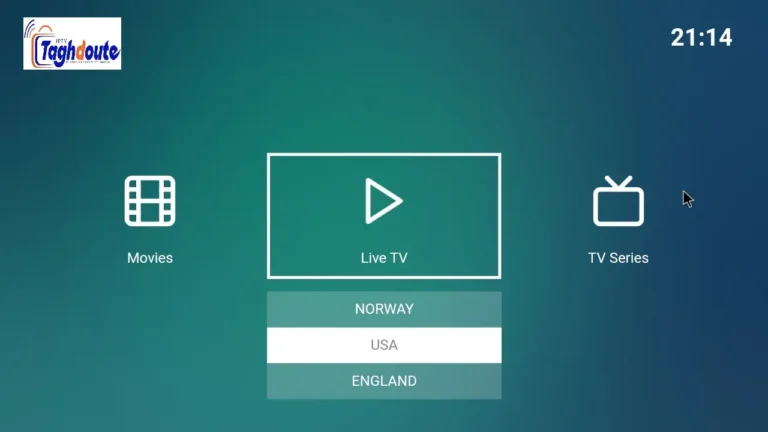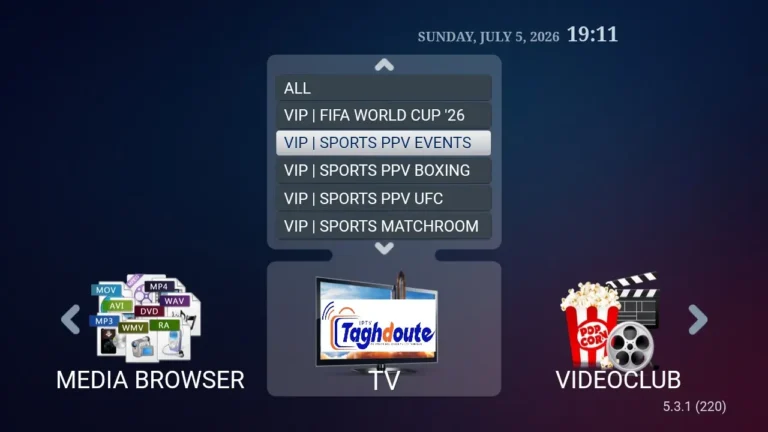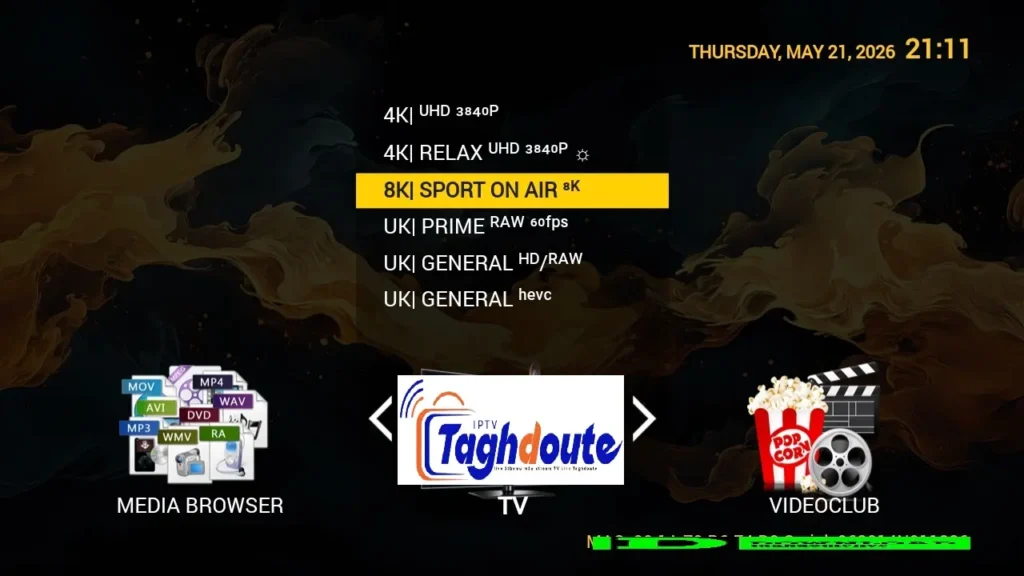
When people are looking for a free trial IPTV, they get confused within 10 minutes. They hear phrases such as STBemu, Stalker Portal, and Xtream codes as if they are familiar with the meaning. They don’t. This article clarifies what each of these is, how they relate to one another, and how much you can realistically expect for the price of any paid subscription that you can get.
The term “Free Trial IPTV” – what does it refer to?The meaning of Free Trial IPTV
A free trial IPTV is an access window (typically 24 to 48 hours) provided by an IPTV service to allow you to sample their channel lineup, stream quality and server stability before you sign up. This is not a free service for the long term. Providers provide it because it’s easy for them to allow temporary access to it, and it’s more effective at converting sceptical users into paying ones than any sales pitch.
As part of a free trial, you are given a username, a password, and a server URL. The next question is, what can you do with those credentials? This is where STBemu, Stalker Portal and Xtream come in.
STBemu and the Stalker Portal: The Same Ecosystem, Two Names
STBemu is an Android program to simulate the physical set-top box (STB). It creates a simulated Mag device, which is the hardware box that many cable operators use, and lets IPTV services that are based on Mag deliver your service via a standard Android phone, tablet or TV box.
STBemu connects to the Stalker Portal (backend protocol). If a provider states that they have “our Stalker Portal”, they are using Ministra (or a middleware server compatible with Ministra) for their server and they are asking you to point to their portal URL with STBemu. The app will then log in your device based on your MAC address, not a username and password.
Here’s how you can enjoy free trial IPTV with STBemu and the Stalker Portal:
- Install STBemu from Google Play or APK on your Android device.
- Launch the app and select Settings – Profiles – Add Profile.
- Type in the portal address that your IPTV service has given you (most often it’s something like – http://provider-domain.com/stalker_portal/c/).
- An app will produce a MAC address. With your provider, give them this MAC so that they can enable your free trial on their side.
- Reboot the profile and the channel list will be reloaded.
One thing to note: The MAC address that STBemu generates is linked to your device profile. Should you delete your profile and create a new one, your MAC will be different – and your provider will require you to reactivate the profile. Consider this when you’re trying out your site.
IPTV Xtream: A totally new protocol
STBemu is based on the Stalker Portal middleware, IPTV Xtream (Xtream Codes or Xtream UI) is another completely independent system. Today it is the most popular IPTV management panel in the market and most of the service providers today provide credentials in the form of Xtream.
Xtream credentials are made up of three parts:
- A server URL (e.g.,
http://provider-domain.com:8080) - A username
- A password
These credentials are compatible with dozens of TiviMate, IPTV Smarters Pro, GSE Smart IPTV, Perfect Player and other apps. They also produce an M3U playlist URL automatically, which can be played in any player that can read an M3U link.
Typically, IPTV providers will email you all three credentials or provide them on their website in a registration form for a free trial of Xtream. Trial is activated instantly — no necessary MAC address, no device registration. Just paste in the server, user name and password into your preferred app and you’re streaming in seconds.
STBemu Stalker Portal vs. IPTV Xtream: Which to Use?
The straightforward answer is: Whichever one your provider supports. Most providers today will support both, but their main infrastructure will typically be based on either one or the other.
If you choose Stalker Portal / STBemu, then:
- Your vendor does not assign Xtream credentials to you, but instead provides you a portal URL
- You want the traditional TV remote-like user interface
- You currently have a device with an older IPTV application system in place.
Choose Xtream if:
- You prefer to use more than one app, and you require flexibility.
- If you’re looking to use TiviMate, IPTV Smarters or a smart TV app, you are all set.
- You’re looking to share a subscription with multiple devices without hassle.
The quality of the streams is not significantly different. The protocol used is not the problem, it’s about the quality of the provider’s servers and your Internet connection.
During the free trial period, you need to watch out for the following
A free trial IPTV window is brief, make sure to use it wisely. What to really assess:
Server stability. Browse 3-4 channels in succession for 10 minutes or more. Track the number of times you have to stop and buffer. A single or two short pauses are considered normal. If you are connected to the Internet at 25 Mbps or faster, it is an indication that your provider is using an over-powered or over-subscribed server.
The ratio of the number of channels to the quality of each channel. Providers promote 10,000+ channels on a regular basis. The only thing that counts is how many of those channels are functioning now in your area at your time of viewing. Review what channels you do watch and compare them to the number of channels offered.
EPG accuracy. The electronic program guide will tell you what is currently playing and what will be next. If you just want to watch TV occasionally, then an incorrect EPG is a minor issue; however, if you use scheduled television, it can be a major issue.
A quick response time in Customer support. During the trial send them a test message to their support channel. The quickness and quality of the response here is your indication of what post sale support will be like.
A note on legality and safety
The use of IPTV technology is legal. It’s just a way to broadcast video content over the Internet. But there are several IPTV services that offer rights-free sports, movies and TV shows. This can differ greatly from one country to another and from one service provider to another.
Check your provider’s information for yourself before signing up. Check out reviews on forums such as those found in the Reddit IPTV communities. Check if the service has been in business more than a year. If all they accept is the cryptocurrency then you should steer clear of them and also there should be some sort of refund policy.
A trustworthy VPN service while streaming can provide an additional degree of privacy, irrespective of the streaming service or protocol you choose.
The Bottom Line
You’re getting real data to make real decisions with a free trial IPTV. There are two different technical routes to the same goal of live television and on-demand content over your internet connection: STBemu via the Stalker Portal and IPTV Xtream via Xtream Codes. Know your provider’s protocol, configure it properly, and use the trial period to test the metrics that are important. It will be evident which service is the right one before the 48 hours are up.
_________________________________________
Hello, We are pleased to offer you a one-year subscription for only €20.
If you’d like to experience our service before committing, you can request a free trial by contacting us directly on WhatsApp: [https://wa.me/212695572901]
We look forward to welcoming you!
Download the IPTV portal STBEMU 22_05_2026 file here
Download the IPTV Xtream 22_05_2026 file here
About The Author