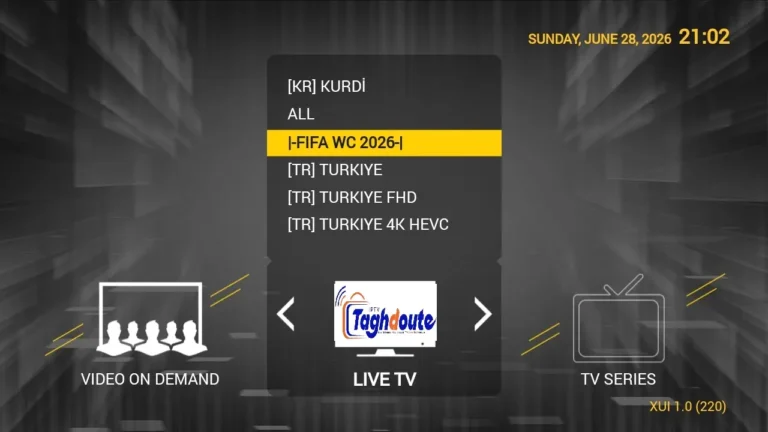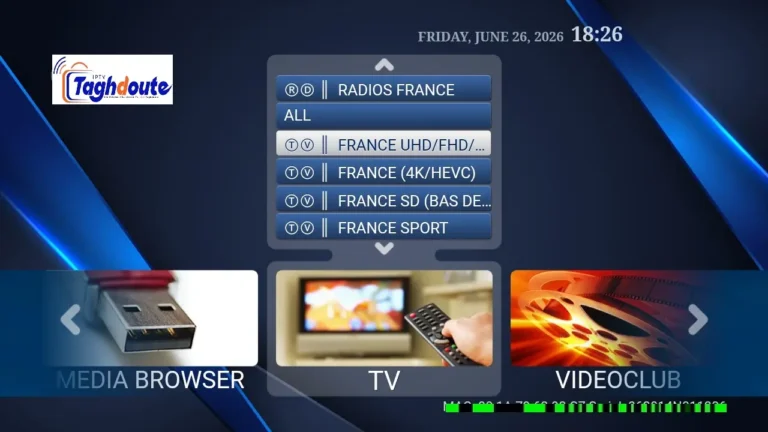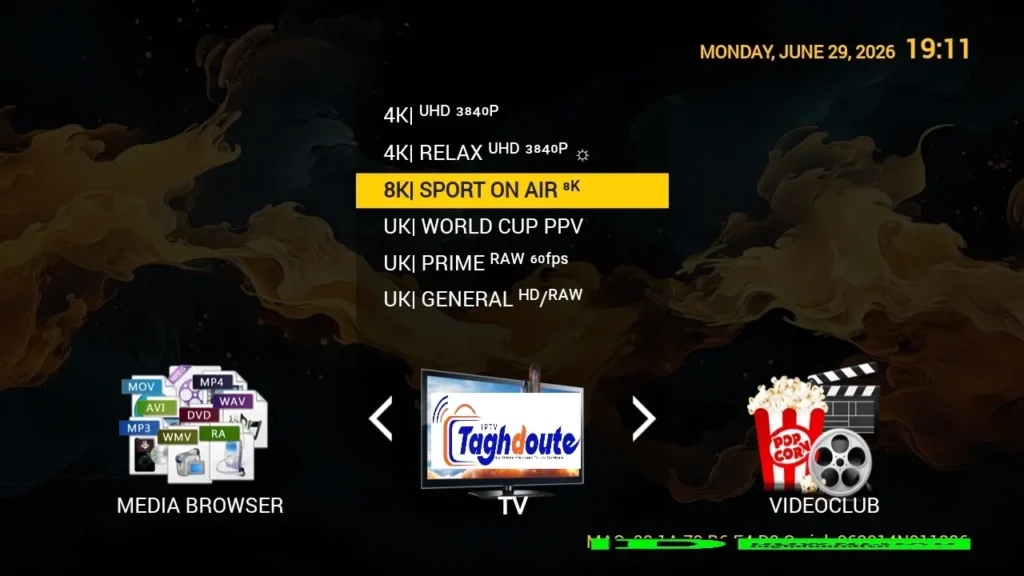
Today, IPTV streaming has come a long way with cutting-edge applications that help turn Android smartphones and tablets into complete set-top boxes, such as STBEmu. If you have been considering IPTV service, it is crucial to know what free trials are and how to differentiate between the integration methods of Stalker Portal and Xtream API.If you’re considering IPTV services, it is vital to understand the concept of free trials and the difference between the Stalker Portal and Xtream API integration methods for streaming entertainment.
Quick Answer
Generally, free trial STBEmu IPTV programs will provide anywhere from 24 hours to 72 hours of testing to let you know how well the channel operates and remains stable prior to committing to the service. STBEmu currently supports two types of connection protocol: Stalker Portal (MAC address authentication) and Xtream API (username and password authentication). They both offer live TV channels, movies and series, but they vary in terms of the amount of features they have and how easy they are to set up. This article explains all of the information you need to know about testing and setting them up both.
This in-depth guide will help you learn how to find legitimate free trials, understand the technical differences between connection methods, set up STBEmu for each of the various protocols, troubleshoot common problems, and make smart choices about IPTV subscriptions. It will discuss everything you need to know, whether you’re picking up a new provider or switching to a different one.
Understanding STBEmu and IPTV Protocols
STBEmu is a program for Android that simulates the behavior of MAG STB boxes, a type of very popular hardware IPTV players. The application software enables you to emulate the STB environment on your smartphone, tablet or Android TV box and thus enjoy IPTV services, without having to buy dedicated devices.
What Makes STBEmu Popular
The application has become popular due to its various benefits over just IPTV players. It offers a true MAG box interface, EPG support, time-shift capabilities and supports multiple IPTV service providers. The free version comes with the basic features and the paid one comes without ads and with more advanced features.
Stalker Portal vs Xtream API
It is important to understand the two connection protocols to use STBEmu effectively. Each approach has unique properties, which impact set up and user experience.
| Feature | Stalker Portal | Xtream API |
|---|---|---|
| Authentication Method | MAC Address | Username and Password |
| Setup Complexity | Moderate | Simple |
| Portal URL Required | Yes | No (uses server URL) |
| Device Switching | Requires MAC change | Easy credential login |
| EPG Support | Built-in | Depends on provider |
| VOD Organization | Standard folders | Advanced categorization |
The Middleware protocol was originally developed for MAG devices, and Stalker Portal is based on it. It verifies users using the unique MAC address + portal URL. This approach frequently gives you a more “traditional” set-top box and a higher level of EPG integration. But the device change needs to be done after calling the provider to change the device MAC address.
Xtream API is a newer way of doing it and relies on simple login details akin to common web services. Users are given a server URL, username and password that makes it easier to switch between devices. The protocol provides enhanced content organization features such as advanced filtering and category management, especially for video-on-demand libraries.
Finding Legitimate Free Trial IPTV Services
Free trials are great periods of time to test out the quality of a service before committing your money. However, getting reliable providers will require research and alertness about potential risks.
What to Look for in Trial Offers
There are some common traits of a legitimate IPTV that are typically part of a free trial option. They offer professional websites with a clear contact form, detailed channel lists, have a fixed trial time and don’t ask for payment details to activate the trial. The majority of the good ones have trials that last anywhere from 24 hours to 72 hours.
- Trial length from 3-4 days
- Outline trial terms and conditions (with limitations)
- No credit card is needed to activate the trial.
- Active Customer Support (Email/Messaging)
- A realistic estimate of channels without hyperbole.
- Clear pricing for post trial subscriptions.
Important Note
Make sure that IPTV services are licensed to distribute content. There are many services that fall under a grey area and users are advised to check the legality of the IPTV service in their region/country before subscribing to any service.
Where to Find Trial Codes
The IPTV providers promote their trial offers via different channels. Official provider websites typically have a form on their home page to request a trial. Online social networks such as Facebook and Telegram offer IPTV groups where IPTV providers may offer free trial codes for a short duration. Cord cutting and streaming forums are a great place to find these lists of providers that are currently running cord-cutting trials.
If you are requesting trials, do not have to disclose personal information. Trusted providers require very little information for the activation of the trials. Do not use services that ask for too much personal information, information about your bank account for “verification”, or ask you to download an app that you don’t know from the official app store.
Configuring STBEmu for Stalker Portal
There are some details to pay attention to when setting up STBEmu with Stalker Portal, such as MAC address configuration and URL formatting of the portal.
Step-by-Step Stalker Portal Setup
First install STBEmu from the Google Play Store or a trusted Android app store. Open the application and go to the settings menu (usually found in a gear icon or side menu). There are several essential steps in setting up.
- Run STBEmu and select Settings.Launch STBEmu and go to the Settings menu.
- Click on “Profiles” and choose “Add profile”.
- Choose “Stalker” as the profile type
- You will be asked to enter the portal URL provided by your IPTV provider, you need to enter it exactly as you are given
- Enter your provider’s assigned mac address
- Set the time zone according to your location at the right place.
- Press “Save” and restart the application
- Wait for the portal and channel data to load into the application.
MAC Address Management
The MAC address is your unique identifier for the Stalker Portal system. Whether the virtual Mac address generated by STBEmu, or a custom Mac address assigned by your IPTV provider should be used will be defined by your IPTV provider. The format is the same as the standard six-group hexadecimal format, such as “00:1A:79:XX:XX:XX”.
Most providers will prefer to use the built-in virtual MAC from STBEmu – located in the settings menu under MAC Address / Device Info. Please copy this address and give it to your service provider when you activate your service.
Common Stalker Portal Issues
There are some common issues that users often have configuring Stalker Portal connections. In cases of authentication failures, the MAC address is most likely to be entered incorrectly or the URL of the authentication portal is formatted incorrectly. Make sure that the portal URL contains the full URL (http/https and the full path) and ends exactly as in the provided URL without additional slashes.
If they are loading errors, it could be a server side error or there could be a time zone mismatch. Check that your time zone is correct and that it matches where you are, as some providers use this to determine who you are. Clear App Cache in Android Settings, if the channels don’t load after successful login.
Setting Up Xtream API in STBEmu
The Xtream API configuration provides a simpler set up process than Stalker Portal, making it an excellent option for those users who need to switch devices regularly, or want to use credential-based authentication.
Xtream API Configuration Process
You need three key details from your provider when setting up the Xtream system. The URL for the server (also known as host or domain), your individual username, and your password. This process is much easier than configuring Stalker Portal.
- Open STBEmu and go to Settings.Open STBEmu and select Settings.
- Click on “Profiles” and then click “New” to make a new profile.
- Select “Xtream Codes API” as the type of profile.
- Put the server URL without any extensions to the path.
- Enter the name you were given in the space provided.
- Enter your password as is
- Save the profile settings
- To load your channel list, boot up STBEmu again.
Server URL Formatting
The formatting of the server URL is very important to ensure successful Xtream API connections. The URL is usually either of the following: http://serveraddress.com or http://123.456.789.101. You should not add any other extensions such as /get.php to the web site unless you have been told to do so by your provider.
Configuration Tip
Some will have the port number in the server URL (such as http://server.com:8080). Use this port number as is. If it is removed or changed the login process will NOT work.
Advantages of Xtream API
The Xtream protocol provides a number of useful features for regular users. Access from several devices is easy to achieve with the use of the same credentials, without calls to your provider for changing MAC addresses. If you’re watching IPTV via your phone, tablet and TV box, then this flexibility can be quite helpful.
The protocol also offers improved content organization, including advanced category filtering, and search functionality. One of the main features that makes Xtream the ideal VOD library manager is that you can easily browse movies and series by category, year, rating and other metadata.
Evaluating Your Free Trial Experience
A free trial period is a short period of time to determine if the IPTV service can be of use. Evaluation of the system in this time allows an informed subscription decision to be made.
Key Performance Indicators
Keep the focus of your trial evaluation to specific quality metrics, which are clearly affecting viewing experience. Stability is a measurement of the frequency of buffering and disconnecting of channels. Picture Quality Assessment (PQA) is a method for determining whether streams provide the resolution they say they do. Channel availability tests to see if promoted channels work and load up correctly.
| Evaluation Factor | What to Test | Red Flags |
|---|---|---|
| Stream Stability | Watch channels for 15+ minutes each | Frequent buffering or disconnections |
| Picture Quality | Check HD and SD channel clarity | Pixelation or poor resolution |
| Channel Availability | Test channels from different categories | Many channels offline or broken |
| EPG Accuracy | Compare guide data with actual programming | Missing or incorrect program information |
| VOD Library | Test movie and series playback | Broken links or outdated content |
| Customer Support | Send a test inquiry | No response within 24 hours |
Testing Different Content Types
To be comprehensive, a variety of content categories need to be tested. For live TV channels, testing should be carried out during peak evening hours when the traffic to/from the servers is heaviest. This shows the service in action when it is under heavy traffic, not when it’s under optimal traffic.
Video on Demand content testing must consist of both recently released and cataloged video. Check that the playback controls (pause, forward, rewind) work. See if subtitles and audio tracks activate when present.
If you are concerned with this content, sports channels should be a special consideration. Test during real sporting events to see how they perform in high demand situations. The quality difference from one provider to another is likely to be greatest for premium sports channels.
Trial Limitation Warning
Some providers make a point of restricting trial account performance and/or access to channels from trial accounts. When deciding on performance, inquire directly with provider if trial accounts are subject to service limitations or receive full quality service.
Troubleshooting Common STBEmu Problems
Users do sometimes experience technical problems, despite proper configuration. By knowing what common problems are and how to solve them you’ll save time and frustration.
Authentication Failures
Usually, problems with logins are due to wrong logon credentials or account status. Make sure you typed all information exactly as given, including the case of usernames and passwords. Check if the trial/subscription is still active and has not expired.
If you have any problems with authentication on Stalker Portal, check that the mac address registered with your provider matches the mac address of STBEmu settings. You can’t connect even if there is only one letter difference.
Playback and Streaming Issues
There are several reasons for buffering and playback interruptions. The internet speed is an essential part. The minimum speeds needed for IPTV streaming are 10 Mbps for SD and 25 Mbps or greater for HD streaming. Use online bandwidth testing tools to check internet speeds and ensure it’s not a bandwidth issue.
- Test internet speed for minimum requirements for desired quality.
- Close other applications that are using bandwidth on your device.
- If possible, use a wired Ethernet connection instead of WiFi.
- Use different playback settings in STBEmu (software/hardware decoding)
- Clear app cache and restart device.
Hardware decoding settings impact performance of playback on various devices. While in STBEmu settings, try some hardware acceleration and see how that affects the game. Although the alternative software decoding option demands more power, some Android devices do better with software decoding.
EPG and Channel List Problems
Data in the Electronic Program Guide at times may not occur or may be incorrect. Typically due to timezone set-up issues. Make sure to set your STBEmu timezone to what it is in real life. If the time zone setting is incorrect, EPG data will be offset, and the information of the programs will be wrong.
If the channel list loading fails, it may be due to profile configuration issues or problems communicating with the server. Remove the current profile, restart STBEmu and create a new profile using new credentials. This fixes corruption of stored configuration data.
Making Smart Subscription Decisions
Once you’ve done your trial period, you must decide whether or not to subscribe, as well as the length of the subscription. When you make informed decisions, you’ll be happy with your investment and protected.
Pricing and Payment Considerations
The subscription rates of IPTVs differ significantly according to the number of channels and the quality of the service. Most monthly plans are $10 to $25 a month, and they offer discounts for longer term plans. There is often a discount on three-month subscriptions (15-20% off per month) and also on annual subscriptions (30-40% off per month).
But, there is a risk to longer subscriptions. With a slip in service quality or disappearance of the provider, your investment is lost. New providers: consider monthly or 3-month subscriptions, even if it comes with a higher monthly fee. Never sign a multi-year contract until after months of service that has been satisfactory.
Be careful when making payments. The providers that accept cryptocurrency, PayPal or credit cards via payment processors have more authority than those that ask for bank transfers or gift cards. A good service will have several payment methods and will issue receipts.
Service Reliability Indicators
In addition to trial performance, seek out research providers’ reputation from outside sources. Long-term subscribers provide insights on online forums and review communities. Search for consistent positive feedback instead of individual quotes, which may be fabricated.
Provider longevity is a good indicator. Stability is illustrated by services that run for several years, during which there were active user communities. New providers might have promising rates, but can be risky when it comes to unexpected shut-downs or quality issues.
Backup Plan Importance
Even the most reliable IPTV services have a tendency to go down for some reason. Have a fall-back plan for entertainment, such as an alternative IPTV service, an over the air antenna or a subscription to a streaming service. This backup allows you to continue viewing in case of service interruptions.
Legal and Security Considerations
IPTV is a legal gray area, which is affected by both country and content source. By knowing these factors, you will be safe from legal and security concerns.
Content Licensing Reality
There are legitimate IPTV providers that have proper licenses for content distribution in a given region.There are legal IPTV providers who have the proper licenses for content distribution in a specific region. Many of the low cost IPTV services do not have these licenses and could put customers in a legal situation. Different countries have different laws about the use of IPTV.
Some jurisdictions require no legal action against end users who subscribe to the unlicensed IPTV service, and only take action against the IPTV providers. In other areas, penalties or other sanctions are levied on subscribers. Check the rules and regulations of your area before taking a subscription to any IPTV service provider.
Security Warning
When accessing IPTV service, data is sent from IPTV provider’s servers. Use a VPN (Virtual Private Network) to ensure privacy and encryption of streaming content. This will make sure that your ISP can’t track what you’re watching and provide an extra layer of security.
Protecting Personal Information
Reduce any personal information provided to IPTV service providers. The amount of information needed to create an account for legitimate services is minimal. Don’t let providers ask for too much personal information, copies of identification documents or other sensitive information that’s not needed for IPTV service delivery.
Make sure that the IPTV account password is different from the password of the other accounts you use online. This reduces the risk of damage in the event of a security breach at the provider’s data centers. You can use disposable email addresses for service registration of IPTV to help safeguard your main email address.
Maximizing Your STBEmu Experience
In addition to the essential set up, there are a few techniques that can make the viewing experience of STBEmu better and make you the most out of your IPTV service.
Interface Customization
STBEmu includes several customization options of the interface for ease of use. To change the screen resolution, theme, or parental controls, go to settings. Create personalised lists of favourite channels to easily navigate to favourite shows.
For those who don’t want to use the built in player, the Application integrates with the external player. STBEmu settings can be used to choose compatible external players such as MX Player or VLC that may provide superior performances or extra features on some devices.
Recording and Timeshift Features
STBEmu for Windows 10 Pro unlocks the recording and timestreaming feature of STBEmu. They need to be set up correctly and have enough device storage. Recording quality (Q) settings relate to the visual fidelity and the file size of your recording, depending on your equipment and the quality you wish.
Timeshift allows to stop the broadcast and play it back without a formal recording from more recent programs. This feature relies on both STBEmu features and provider support. Some IPTV services don’t offer timeshift replay either, so just check if this is important to you during your free trial.
Multi-Device Management
A number of users watch IPTV on several devices. STBEmu profile backup functionality can be used to export and easily setup your config on other devices. This will save time if configuring STBEmu on new phones, tablets, or TV boxes.
Remember that most IPTV service providers have a restriction on the number of connections that can be used concurrently by an account holder. A typical subscription provides for one to three concurrent streams. If this limit is exceeded, the connection is automatically disconnected. If you want to share your subscription over several household devices, make sure to check your provider’s connection policy.
Conclusion
The free trial IPTV services that are compatible with STBEmu offer a great opportunity to experience the streaming quality before making a financial commitment. The technical difference between Stalker Portal and Xtream API connection methods is crucial and helps to ensure that the connection is set up correctly and performs optimally. Reliable providers are identified by systematically assessing during trial periods, such as stream stability, picture quality and content availability.
To be successful in STBEmu, you must pay attention to the details of each protocol, know some common troubleshooting solutions, and have realistic expectations for the capabilities and limitations of the IPTV service. With the help of this detailed guide, you can confidently navigate the world of IPTV, choose a suitable subscription plan, and enjoy a high-quality streaming experience with STBEmu on your Android devices.
Keep in mind IPTV is a very dynamic technology and has different legalities in different regions. Look for providers who are legitimate, well-dressed, and have good customer service and business practices. When used alongside correct security steps, such as using a VPN and taking care of personal data, you can enjoy IPTV without compromising security and maximizing viewing pleasure.
_________________________________________
Hello, We are pleased to offer you a one-year subscription for only €20.
If you’d like to experience our service before committing, you can request a free trial by contacting us directly on WhatsApp: [https://wa.me/212695572901]
We look forward to welcoming you!
Download the IPTV portal STBEMU 30_06_2026 file here
Download the IPTV Xtream 30_06_2026 file here
About The Author