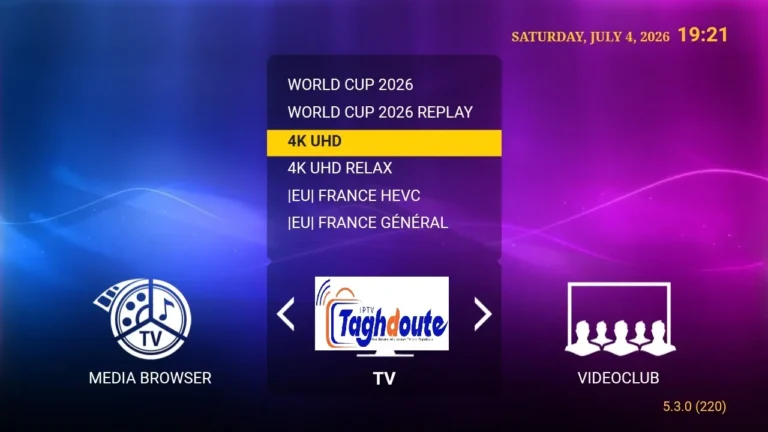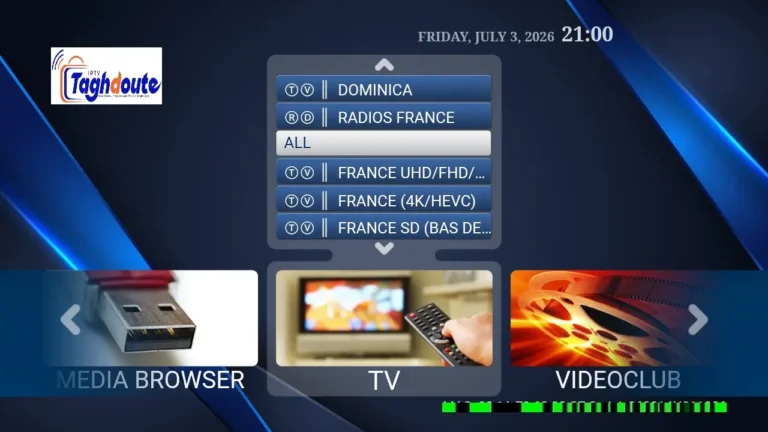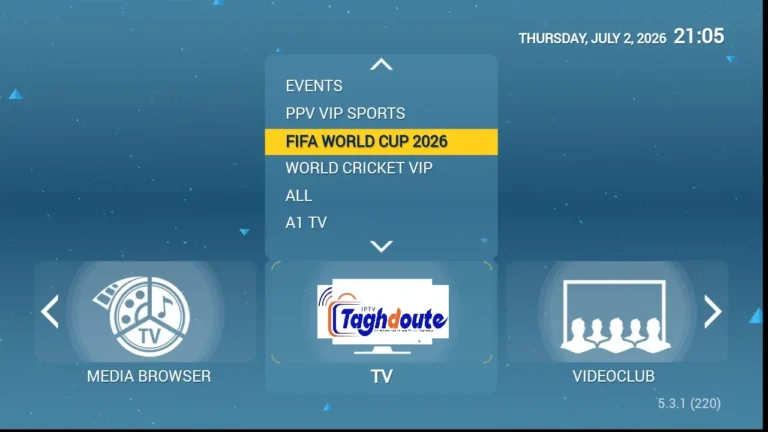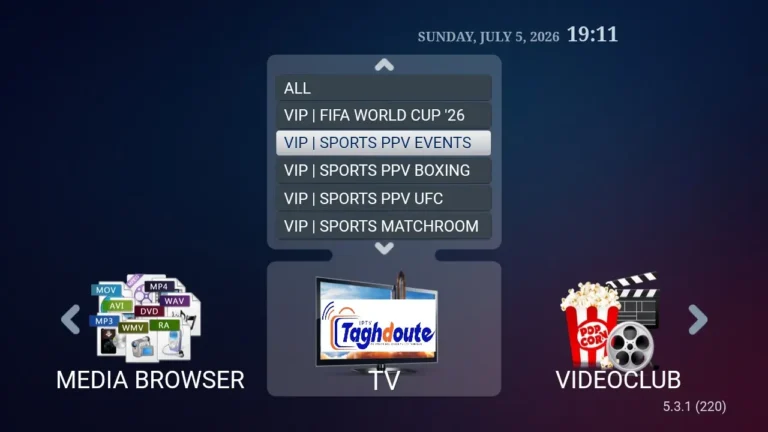

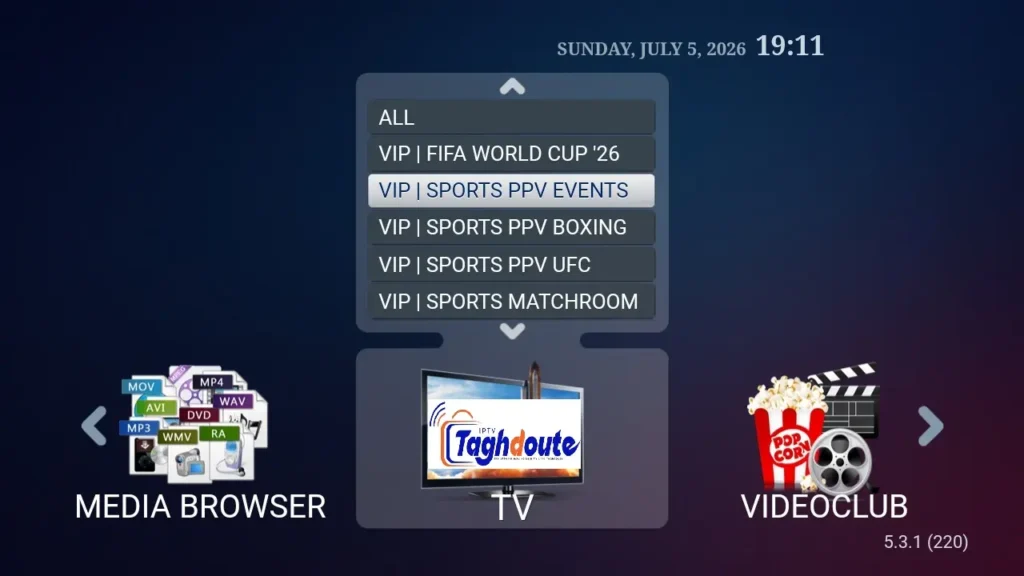
You can try out any IPTV service that you are interested in for free without signing up for any paid subscription by using IPTV codes or IPTV STBemu Stalker Portal before you decide to buy the subscription. Here’s the straight scoop on free trials in both systems, and some tips on getting the most from them.
Quick Answer
- Free trial IPTV services allow you to sample subscription channels and streams for a limited period of time (typically 24 to 48 hours) and without a single initial payment.
- The STBemu operates on the Stalker Portal method with the inputting of a portal URL and your device MAC address used for login.
- Xtream IPTV comes with a username and password system which is compatible with numerous apps such as IPTV Smarters and TiviMate.
- Both of them offer a free trial, and there is a significant difference in the quality and reliability between the providers.
In this guide, you will learn everything about the STBemu Stalker Portal and how Xtream codes are installed, a comparison of both methods, what to expect from a free trial and how to avoid risks when testing IPTV services.
What Is IPTV and Why Free Trials Matter
IPTV is also known as Internet Protocol Television. You do not need a satellite dish or cable line to receive TV, you receive it directly via your internet line. Its quality is solely determined by the internet speed and your internet service provider’s server system.
Free trials are important because there are many different IPTV providers out there and not all of them are worth your time. A free trial offers you the opportunity to try buffering, channel count, EPG (electronic program guide) accuracy and stability without paying any money.
Expert Tip: Run the free trial during “peak hours” – typically between 7 PM and 11 PM in your time zone. This is the time when the server load is at its peak, and where weak servers can be seen at their worst.
STBemu and the Stalker Portal System explained
What Is STBemu
STBemu is a free Android application which emulates a set-top box (STB). It tricks the IPTV server into believing that you are using a real MAG box or other type of equipment. The app has gained popularity due to its compatibility with IPTV services that are not reliant on Xtream accounts.
The Stalker Portal Method: How it works
- You log into STBemu and then enter into the profile settings.
- The portal URL, provided by your IPTV service, is entered.
- Your device’s MAC address is sent to the server automatically — your account is identified by this MAC address.
- The server will determine whether your MAC is activated or not, and then allow you to access the list of channels.
- Free trials typically enable your MAC for a certain amount of time, typically 24 hours.
Common challenges faced with STBemu Stalker Portal trials
- There are some providers that will ask you to register your MAC address on their Telegram or WhatsApp prior to the trial kicking off.
- Occasionally, new devices and Android emulators produce a random MAC that may result in activation issues.
- If you have had a free trial on a portal URL from that provider, you may not receive another trial on the same URL from that provider due to the provider’s security implementation.
Please make note of the fact that the MAC address can be changed in the profile settings, manually, in STBemu. This can be helpful when your default MAC is marked. Use a valid MAC format (6 pairs of hex characters separated by colons).
The overview of Xtream Codes and Xtream IPTV
What Are Xtream Codes
Xtream Codes is a panel system that is employed by IPTV suppliers to control their customer base. If a provider utilizes this system, he assigns a distinct username and password to each customer. These credentials can be used to connect from any app that supports Xtream API such as IPTV Smarters Pro, TiviMate, GSE Smart IPTV and many more.
So, how do Xtream Free Trials work?
The provider offers a free trial (usually via their website or social media platform).
They give you a server URL, a username and a password.
These are placed in your IPTV app within the Xtream/M3U login option.
The app automatically syncs channel list, VOD library and series with the provider’s server.
The trial periods usually last for 24-72 hours.
Advantages of Xtream Over Stalker Portal for Trials
Compatible with a wide variety of devices, such as Android TV, Amazon Fire Stick, iOS, and smart TVs.
No need to register MAC address – credentials play on any device instantly.
Combined with other applications such as TiviMate, STBemu provides an even more in-depth viewing experience.
STBemu Stalker Portal vs Xtream IPTV — Side by Side Comparison
| Feature | STBemu Stalker Portal | Xtream IPTV |
|---|---|---|
| Login Method | MAC address + Portal URL | Username + Password + Server URL |
| Device Compatibility | Android only (STBemu app) | Android, iOS, Fire Stick, Smart TV, PC |
| App Options | STBemu exclusively | TiviMate, Smarters, GSE, Perfect Player and more |
| Free Trial Setup | Requires MAC registration with provider | Instant credentials via website or chat |
| EPG Support | Depends on portal configuration | Usually built-in via Xtream API |
| VOD and Series Access | Limited by portal setup | Full VOD and series library access |
| Ease of Use for Beginners | Moderate — requires MAC setup | Easy — just enter three fields |
| Stability During Trial | Varies by provider server | Varies by provider server |
How to Set Up a Free Trial on STBemu Stalker Portal Step by Step
- Install STBemu from the Google Play store on your Android phone or Fire Stick.
- Tap on the app and the profile icon on the top right.
- Click on “Add Profile” or edit the default profile.
- Enter the portal URL given to you by your IPTV provider in the “Portal URL” field.
- At the bottom of the profile screen, record the MAC address and share it with your provider to enroll in the trial.
- Upon activation confirmation by the provider, return to the home screen and load the portal.
- Visit your channels, the trial is on.
How to Set Up a Free Trial With Xtream Codes
- Download an Xtream compatible application to your device, such as TiviMate or IPTV Smarters.
- Open the application and select add a playlist or add a new provider.Open the app and select add a playlist or add a new provider.
- You will choose the connection type as “Xtream Codes”.
- Type in the server URL, your trial user name and your trial password, as they were sent by the provider.
- This application will connect and load all channels, EPG, VOD and series.
- Get on and use the service and test the quality of it right away.
Real World Insight: When trying out any free trial, watch how high definition streams on live sports channels perform. These are the bandwidth-hungriest streams to check out and it’s the best way to see a provider’s true server power.
What to Check During Your Free Trial
Stream Stability and Buffering
Watch one or more live channels for 20-30 minutes in a row. Add up the number of times it buffers or freezes. A good provider should be able to provide steady streaming when using an internet speed of 25 Mbps or higher.
A series of channels and varieties
See if the provider offers your local stations, international channels, sports networks and specialty channels. A good provider will post their channels openly, make sure it is correct in the trial.
EPG Accuracy
Check show times and titles on the electronic program guide and ensure they are accurate. Less than adequate EPG data is an indicator of a poor developed service.
VOD and Series Library
If VOD is included in the trial test, check the time taken for the movies to load and if recently released movies have been added.
Customer Support Responsiveness
Test the product by sending a message to the provider’s support system during the trial. Their speed and helpfulness of response will give you a lot of insight into the post sale experience.
Key Warning – Be careful when entering credit card information with a provider who only needs it to access a free trial. If you must enter any payment details to use the free trial, it is not a free trial. Also, ensure that you are using IPTV services legally in your country before subscribing.
Tips for Getting the Best Free Trial Experience
- If testing, use a wired Ethernet connection and not WiFi to remove buffering as a variable.
- Test on the device you intend to use the fire stick with for long periods of time — performance may vary between a fire stick and an android TV box.
- Get two or three trials in the same week and make a comparison before making a decision.
- Look for live user reviews on any IPTV service from community forums and IPTV review groups found on Reddit.
- Do not share your trial username and password with anyone, because this could lead to the early cancellation of your trial because of multiple logins.
Final Verdict: Which Method is Better for Your Free Trial
The STBemu Stalker Portal system is as well as the Xtream IPTV codes has its own position in the IPTV globe. If you are an advanced user, already have an Android device and want to experience the “classic” STB interface, then STBemu with Stalker Portal trial is the ideal choice.
But it’s the Xtream method that is superior in ease of use for most users, particularly for beginners, device flexibility and depth of features. The three field login process is instant, and you can use the service on any device you have.
No matter which service you use most, it is important to test the service thoroughly in the trial time. Adopt the checklist above and make an informed choice before signing up for any paid subscription.
Final Reminder If the free trial is a great IPTV, then it will tell you just what you can expect from the paid IPTV service — not a slick demo that will drop the ball after you sign up. Put in work and do not play it safe.
_________________________________________
Hello, We are pleased to offer you a one-year subscription for only €20.
If you’d like to experience our service before committing, you can request a free trial by contacting us directly on WhatsApp: [https://wa.me/212695572901]
We look forward to welcoming you!
Download the IPTV portal STBEMU 06_07_2026 file here
Download the IPTV Xtream 06_07_2026 file here
About The Author