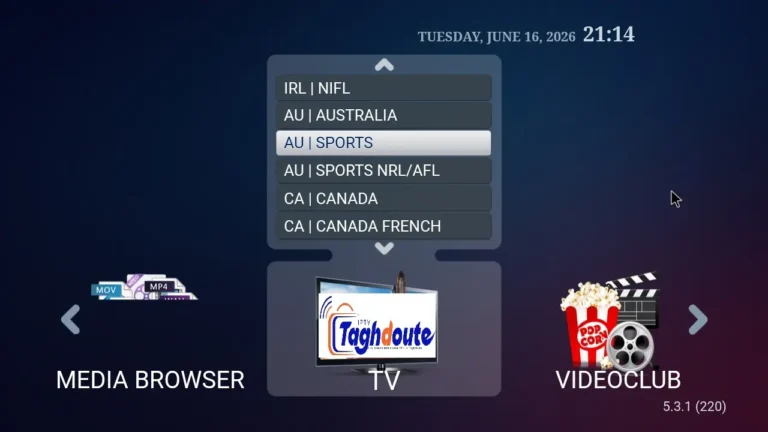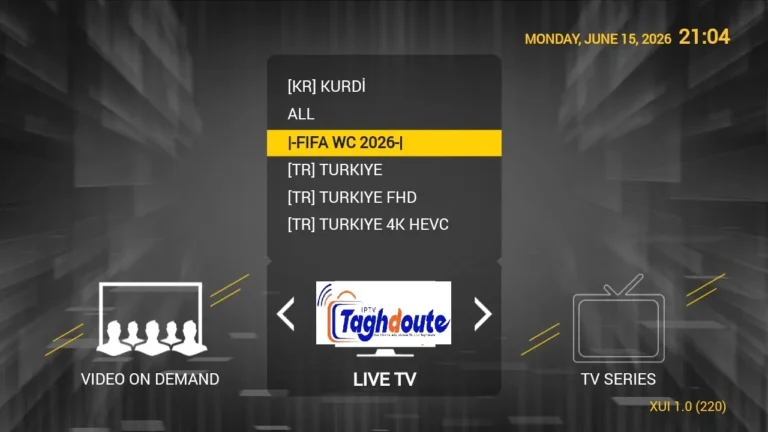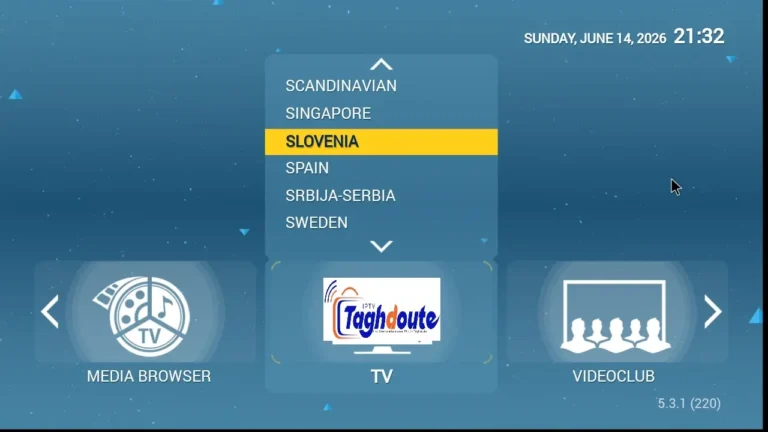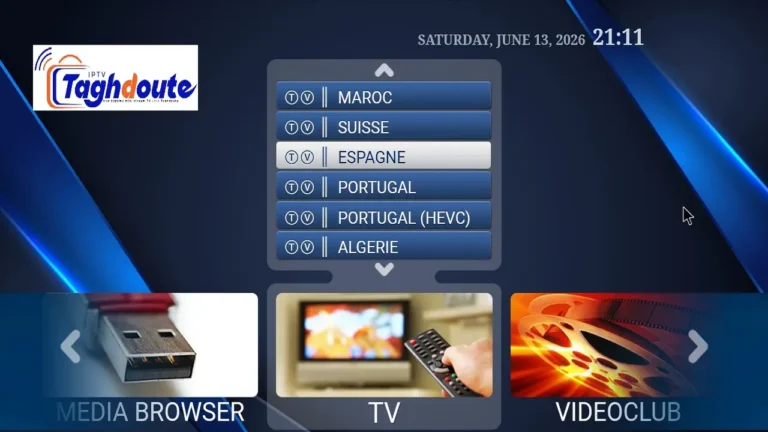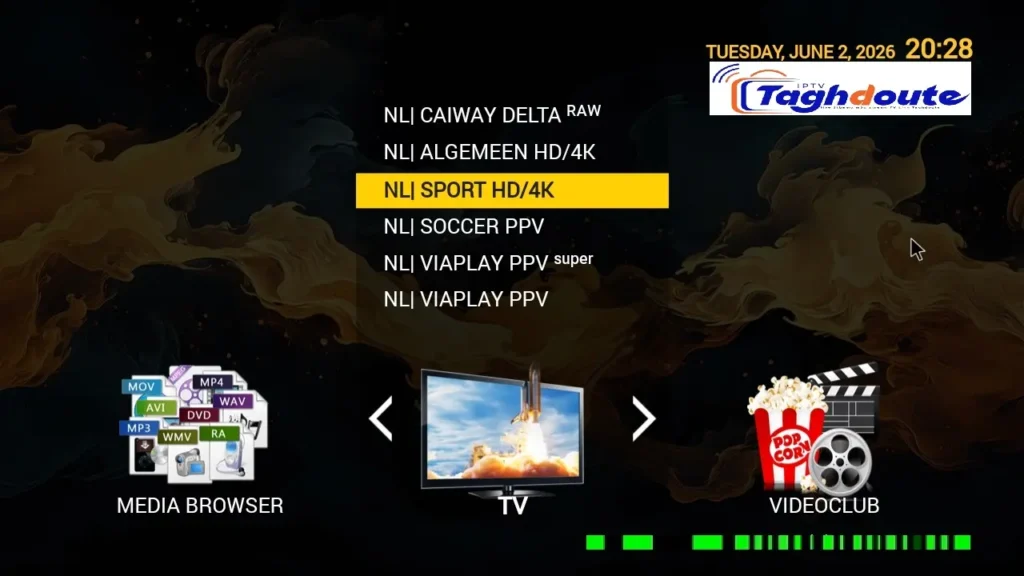
The STBemu, Stalker Portal and Xtream codes are not only jargon, but three different ways into the same stream. Each of these has a meaning – here it is, explained simply.
Thousands of people look into no-cost IPTV every week and see a free trial of live television transmitted via the web before subscribing. One of the names that has come up more often in that search is TAGHDOUTE LIVE, as they provide these trials in three formats that you can access on a STBemu Stalker Portal, IPTV Xtream and standard M3U playlist links. These are not terms that one needs to know to simply copy and paste into an app, but rather what they mean and how to use them.
What TAGHDOUTE LIVE Offers as a Free Trial IPTV
A free trial IPTV is basically an access code or URL that provides a limited time of access to live channels for a user for free. TAGHDOUTE LIVE shares these trials via social media, both in its video channel and community posts, to an audience in North Africa, the Middle East, and the broader Arabic-speaking community. The test should take 24-48 hours to complete. Channels included news, sports and general entertainment; the same channels offered in the paid version, but in a proof-of-concept window.
It’s simple. Let the customer evaluate buffering performance, channel availability and app compatibility without spending a dime on their own hardware. It’s a common thing among all IPTV distributors all over the world, and TAGHDOUTE LIVE is no exception.
There is no need to use a particular format, be it Stalker Portal, Xtream, or M3U, it is only the format which dictates the type of app to use.
STBemu and the Stalker Portal Protocol Explained
STBemu (Set-Top Box Emulator) is a free Android app that emulates the functionality of a real Mag set-top box. Physical Mag boxes are based on the protocol Stalker Portal, which was developed by Infomir. STBemu is a clone of that connection on a tablet, smartphone, Android TV box or Fire Stick.
When a user wants to use a Stalker Portal IPTV trial from TAGHDOUTE LIVE, he/she opens the STBemu app, goes to the profile settings, and enters three pieces of information: the portal URL provided by the service, a MAC address (which can be the real MAC address of the device, or also a virtual MAC address generated inside the app), and sometimes a portal name, for organizational purposes. After you save, the app logs in with the server and automatically loads the channel grid.
Quick Reference — STBemu Setup:
- Devices: STBemu (free app from Google Play / APK)
- The information you enter is Portal URL + MAC address.
- Use with Android phone, tablet, TV boxes (sideload on Fire Stick).
- Duration of the trial: Usually 24-48 hours (TAGHDOUTE LIVE)
Users who wish to have a television-like interface, a full electronic program guide (EPG), categorized channel groups, and a remote-friendly format prefer the Stalker Portal format. No technical skill is needed apart from copying and pasting a URL.
IPTV Xtream Codes: The Second Format
IPTV Xtream is the Xtream-Codes API, which is a popular server architecture for streaming IPTV channels with a user name, password and server URL. Unlike the Stalker Portal method, Xtream credentials can be used in a much wider range of applications such as IPTV Smarters Pro, TiviMate, Sparkle Player and dozens of others accept this Xtream login format.
Upon receiving a free trial IPTV in Xtream format, TAGHDOUTE LIVE will send the user three lines, which are a server address (the URL), a username and a password. These are entered into the “Xtream Codes API” or “Add Playlist via Login” field of the app of the viewer’s choice. The server responds with the complete channel list, VOD library (when available) and EPG information.
The benefits that IPTV Xtream offers over Stalker Portal are in its flexibility. The credentials are active on several devices at once (limited by a number allowed by the provider) and can also be used to create an M3U playlist URL, which can be done by adding a certain path to the address of the server which is the more versatile of the two types of files (Xtream is the more versatile of the two).
M3U Playlists: The Universal Option
Some TAGHDOUTE LIVE free trials are made available directly as an M3U URL. M3U playlist format is the oldest and most widely recognised IPTV playlist format. Any application that plays video will open an M3U link, and start streaming instantly; such as VLC, Kodi, GSE Smart IPTV, Perfect Player. No user name, no portal URL, and no MAC address! Just one link.
The drawback is that M3U playlists are static in nature. If the channel is added/removed, they don’t update in real time, unless the app fetches the URL again. This is of little significance for a short free trial.
What to Check During a Free Trial
The 24 hours free trial IPTV window is brief. Users who use it effectively test four things: buffering frequency on their normal Internet connection, channel availability for the specific networks that they regularly watch, EPG accuracy (whether the program guide that appears on the screen is accurate or not), and app compatibility (whether or not the program they want to use on their device is available).
Like almost all IPTV distributors, TAGHDOUTE LIVE provides the trials because of this four variables vary substantially from household to household. Buffers may only be 10 Mbps at a server that streams at 50 Mbps. The best way to know is by testing yourself, on your own connection, on your own device!
The vocabulary that’s surrounding free trial IPTV can be thick at the start. In reality, each term just refers to a different key for the same lock. TAGHDOUTE LIVE offers a viewer the key they already have for their app, and the trial is there to give door a chance to be tested thoroughly before any funds is exchanged.
_________________________________________
Hello, We are pleased to offer you a one-year subscription for only €20.
If you’d like to experience our service before committing, you can request a free trial by contacting us directly on WhatsApp: [https://wa.me/212695572901]
We look forward to welcoming you!
Download the IPTV portal STBEMU 03_06_2026 file here
Download the IPTV Xtream 03_06_2026 file here
About The Author